
Launch monitor
Garmin Approach R10 Launch Monitor: Setup Space & Spec Guide
Buy it for outdoor range work or an indoor net where you can meet Garmin’s distances and safely make a full swing. Skip it for a cramped garage. Book a session at an indoor bay instead of building to fit around the device.
Product links on this page go directly to manufacturers. We do not earn a commission from them.
Manufacturer photographs
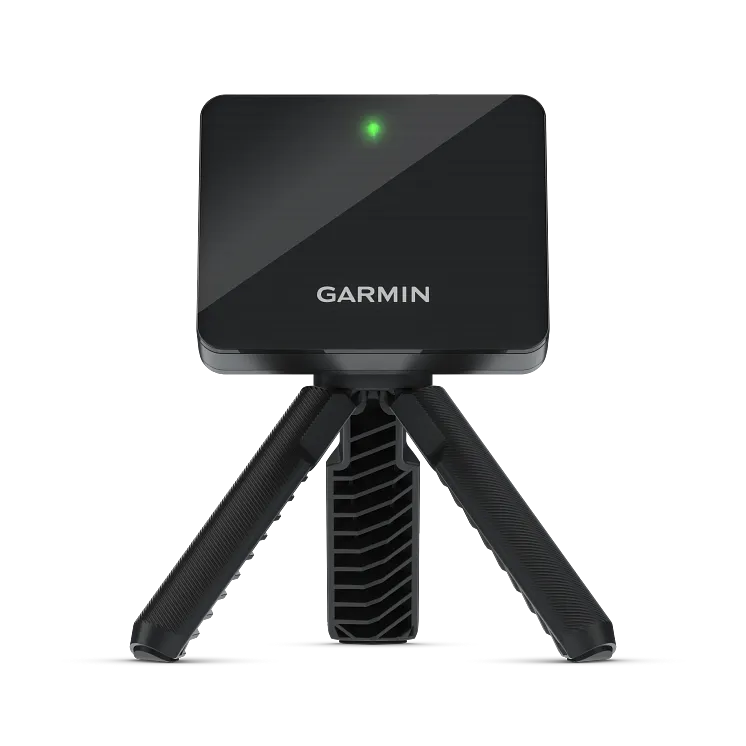
Manufacturer specifications checked . Based on the sources linked below. We have not field-tested these models.
Buying options
Lay down a tape measure first
Garmin calls for 6–8 feet from the radar to the tee and at least 8 feet from the tee to the net. Fourteen feet is the bare minimum between radar and net, not the minimum length of the room. Follow the net maker’s clearance guidance and check swing height, side protection and missed shots separately.
What the subscription changes
Garmin’s virtual driving range does not require a paid Garmin Golf membership. Home Tee Hero virtual rounds do. If you mainly want to compare your own sessions, start with the range mode. Check current app and hardware compatibility before buying additional simulator software.
Use the range before you rebuild your garage
If your setup is borderline, try an outdoor session with the unit before buying an enclosure. Hit two clubs you already know and compare repeated shots, not one longest drive. For a tight room, use a booked simulator bay or keep the space for putting practice.
Specifications and buying links
Check your room and budget with the Simulator Matcher
Garmin Approach R50 Specs & Bay Space Guide: Is It Worth It?
From the journal: Compare launch monitor setup requirements